

Fly out of an office window and land on a Parisian runway. Gallop through the canyons with horses…seahorses. These are just a few of the concepts that AI has allowed us to bring to life for our clients.
While generative AI and AI video production can be valuable tools offering flexibility, cost-efficiency, and the ability to imagine the unimaginable, it's essential to understand when and how to leverage AI effectively.
Here are ten questions to ask when deciding if and where AI fits.
1. What does AI make possible for this idea?
When exploring an AI production approach, ask what it can add to the campaign (knowing it won’t be everything). Maybe it helps create the world the whole piece lives in. Maybe it contributes one great shot. Either can be a good reason to lean in.
The aforementioned seahorses were part of an employer branding video promoting a new internal app. The client wanted to focus on storytelling, not functionality, without featuring paid actors or employees who might move on. The solution? Characters you can’t cast and locations no scout could find.
2. Where does your audience expect to see real experiences?
A little spectacle can get people curious. But a product demo, a customer story, or a peek behind the scenes requires authenticity and trust. Before you greenlight an AI-forward idea, ask if the proposed approach will give viewers a fair impression.
When we made a video for Romper, our in-house AI-powered workspace, we had some fun with generated avatars and special effects. But when it came to showcasing what Romper actually does, we used real screens from the working platform.
3. How accurately do you need to show the product details?
Say you’re selling a jacket. The backdrop can shift from city sidewalk to snowy mountain, but the cut, color, and drape cannot—that’s what customers are actually buying. To protect those details, you’ll need to test building directly from an approved product photo or 3D model.
A few helpful tools: Runway on generating and using 3D models, Adobe on putting 3D products into generated scenes
4. What needs to stay consistent, now and later?
Runway and Google Veo have made strides in character consistency, but they aren’t set-and-forget. If your campaign hinges on a recurring character or product, see how it holds up across multiple shots—and check what reusable assets you'll have for next season.
When we partnered with ecommerce platform ESW for their campaign with Shopify, every shot looked great in isolation. Put them next to each other, and we suddenly had wardrobe notes for the lead actor (and the dog!). Tech gets you close, but human oversight keeps the story intact.
Helpful resources for consistency: Runway on reusable references, Google on character consistency in Veo

5. What does your campaign need to move and sound like?
There are now tools that can generate dialogue and effects along with video. But someone still needs to choose and assemble the shots, decide how the voice and sound will be made, and own the final mix.
For the employee program video, we produced the voiceover and sound separately from the AI clips, then moved into classic post-production: choosing the right take, timing cuts around dialogue, and letting moments breathe. It was a true hybrid production.
A look into video and audio generation: Google DeepMind on generating video with audio
6. Where do you need precision, and where can you leave room to explore?
AI requires letting go of total control. It gets you 80% of the way there fast, but dialing in that final 10–20% takes heavy lifting with no guarantee you’ll hit your exact vision. If your campaign hinges on a make-or-break shot, test it before committing.
For ESW, we had storyboards that could have worked with a big live-action and CGI shoot, and AI wasn't matching them frame-for-frame. Instead of forcing it, we leaned into the exploration. We actually found ways to move between scenes that worked better than the original boards and would have blown the budget on set.
7. What is your budget and timeline for the finished work?
Every ambitious concept eventually collides with line-item reality. And while AI requires tradeoffs, it can remove constraints like the need to travel to different locations, pivot for weather, or budget for props and craft services. This leaves your team with the time, budget, and creative focus needed to finalize the campaign.
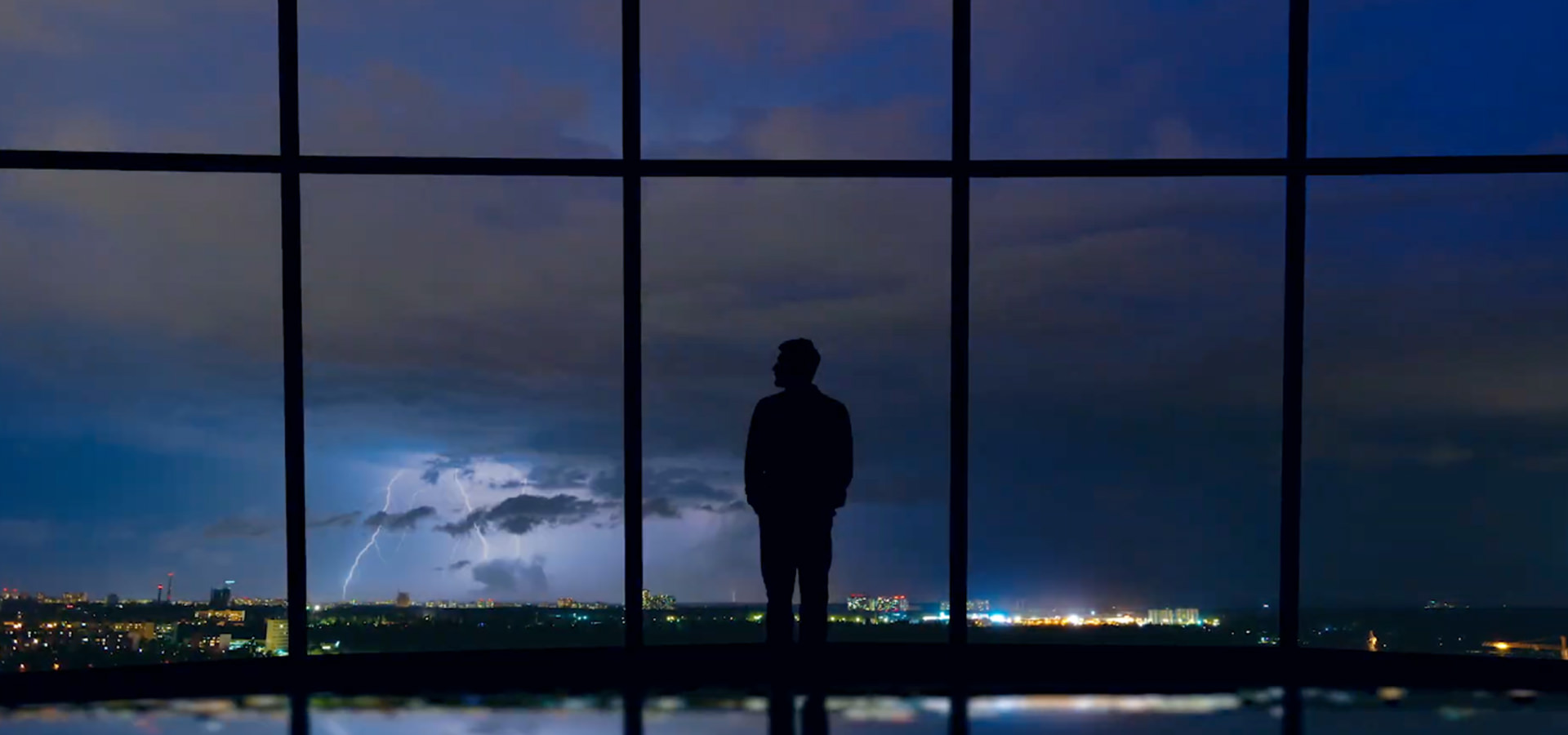
For our recent campaign with cybersecurity leader Varonis, the concept called for ten unique environments—a scope that traditional production couldn’t properly support within our timeline and budget. Rather than scaling back the idea, we turned to background image generation to bring all ten setups to life on schedule and on budget.
8. What rights and exclusivity does your campaign require?
A background scene for a one-off campaign and a permanent company logo require two very different conversations. What you can and can’t do with generative outputs can be a very real constraint.
U.S. trademark laws can protect identifiers that distinguish your brand, while copyright comes with its own set of rules around AI-generated work. If ownership or exclusivity matters to the project, make it part of the decision before you commit.
Some helpful resources: USPTO on trademark and copyright, U.S. Copyright Office on AI and human authorship, Adobe Firefly product terms
9. How will your team review and approve the work?
AI-driven projects benefit from close collaboration and quick iteration. If your team can engage actively and provide timely feedback to dial in on aspects of the style of photography or images, you’ll be best set up to leverage AI's speed and flexibility. Who on your side can make those calls? And who else needs to weigh in before an idea goes further?
We love when clients get into the work with us. With ESW, as we went through the setups, we’d look at the generated clips together, pick what was working, and see where an idea was worth another try.
10. Does this approach feel right for your brand?
Every AI-assisted project asks you to draw a line between what gets generated and what stays human. It helps to map out where your brand’s comfort zone sits both visually and ethically. Are stylized environments fair game, while synthetic people feel off-brand? Do you have guardrails around voice models and likeness rights?
For the employee branding video, our client was game for invented worlds but generated people were outside their comfort zone. When it came to the narration, we knew we wanted to avoid the possibility of using a model trained on a public figure’s voice, so we hired a voice actor. Augmented worlds with real people to tell the story. That hybrid production combination felt right for the project.
As you look at your own upcoming work, it’s worth asking where that balance sits for your brand. What feels exciting to generate, and where does a human presence matter most?
—-----------
Got something on the storyboard that might be a little tricky to pull off here on Earth? We’d love to chat AI video production.